
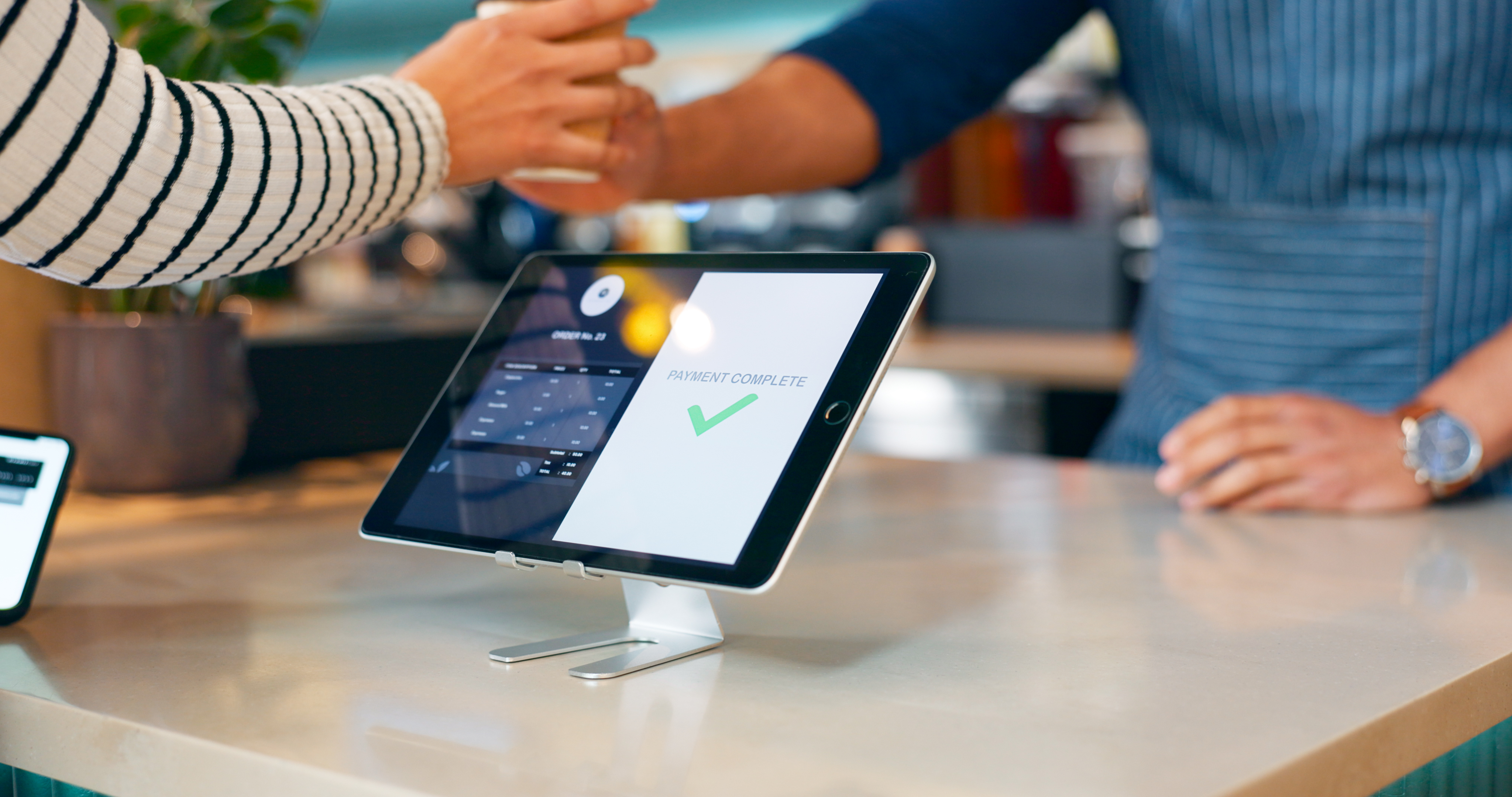
Effortless EPOS Setup: A Step-by-Step Guide to Seamless Integration with Your Favourite Apps
Setting up your EPOS system shouldn’t slow you down. Yet, many business owners get tangled in complicated setups and clunky app integrations that waste time and cost money. With EPOS Direct, you get a straightforward, step-by-step guide to fast EPOS setup and integration with the apps you already trust — so your retail or hospitality business runs smoothly from day one. Ready to take control and simplify your operations? Learn more here.
Quick EPOS Setup

Jumping into the world of EPOS should be uncomplicated and quick. Let’s walk through the steps for a smooth setup, ensuring your business hits the ground running.
Step-by-Step Guide
Setting up your EPOS Direct system is simple if you follow a clear path. Start by unboxing your hardware and plugging it into power and internet connections. Next, load your software, which should guide you through an intuitive installation process. A major advantage of EPOS Direct is that 96% of users find it seamless enough to stay. Before you know it, you’ll be ready to customize settings to suit your specific business needs. Want more detailed instructions? Check out this step-by-step guide.
The next step is configuring your inventory and pricing. This part is crucial as it ensures all items are up to date, preventing any pricing errors. Input your product data and set up your tax rates and discounts. Remember, keeping your inventory accurate will save you headaches later. If you need a visual roadmap, this POS implementation guide could be helpful.
Essential Tools for Success
Having the right tools can turn your EPOS system into a powerhouse. First, consider the hardware essentials like barcode scanners and receipt printers. These tools are key to speeding up transactions while minimizing errors. With EPOS Direct, you also get a user-friendly interface that’s easy for staff to learn, reducing training time to almost zero.
Software integrations can further boost your system’s effectiveness. For instance, connecting your EPOS to accounting software like Xero or QuickBooks streamlines financial management. APIs make these integrations a breeze. Curious about how this works? A high-level API integration guide can help demystify the process.
Seamless App Integration

Integrating apps with your EPOS system can greatly enhance its functionality. This section explores how to link popular apps, ensuring your business runs smoothly.
Linking with Popular Apps
Connecting your EPOS with popular apps doesn’t need to be daunting. Start with the apps you already use daily. Whether it’s an email marketing tool or a customer relationship management system, most can sync directly with your EPOS. This connection allows for real-time updates and data sharing, making decision-making quicker and more informed.
One big question is whether these integrations will disrupt your current workflow. The answer is no. With EPOS Direct, app connections are stable and secure, ensuring your system remains robust. Plus, the more apps you integrate, the more streamlined your operations become. Not convinced? Explore this step-by-step guide to see how easy it can be.
Enhancing Retail Solutions
For retail businesses, app integration can be a game-changer. By linking your EPOS with inventory management apps, you gain real-time stock insights. This ensures you never run out of popular items or overstock slow movers. Another benefit is improved customer loyalty programs. When your EPOS syncs with customer data apps, you can tailor promotions that keep shoppers coming back.
Retail solutions aren’t just about inventory and sales; they also include customer satisfaction. By integrating feedback tools, you can gather valuable insights into your service quality. This leads to better customer experiences and increased sales. For more ideas on enhancing retail with tech, check out this guide.
Boosting Hospitality Technology

Hospitality businesses can greatly benefit from advanced POS software. Let’s explore how it can boost your operations and customer satisfaction.
POS Software Benefits
For hospitality venues, POS software is more than a sales tool. It’s an operational powerhouse. It helps with order management, reducing errors and speeding up service. This means happier customers and more table turns, which translates to increased revenue. EPOS Direct offers offline capabilities too, ensuring your restaurant or café runs smoothly even if WiFi drops.
Another advantage is staff management. With POS software, you can track hours, manage shifts, and control permissions effortlessly. This reduces admin time and helps you focus on delivering excellent service. Looking to see these benefits in action? This POS software guide highlights real-world applications.
Elevating Customer Experience
The ultimate goal of any hospitality business is to delight customers. A powerful EPOS system helps achieve this by integrating with reservation and review platforms. This provides guests with a seamless booking experience and allows you to gather feedback to continuously improve your service.
Offering diverse payment options is another way to enhance the customer experience. With EPOS Direct, you can easily accept contactless, mobile, and card payments. This flexibility enhances convenience for your customers, making them more likely to return. For more tips on elevating hospitality service, dive into this comprehensive guide.
By now, you should have a clearer picture of how EPOS systems can transform your business operations. Remember, setting it up shouldn’t be a chore, and with the right tools and integrations, your business will thrive.
Leave a Reply