
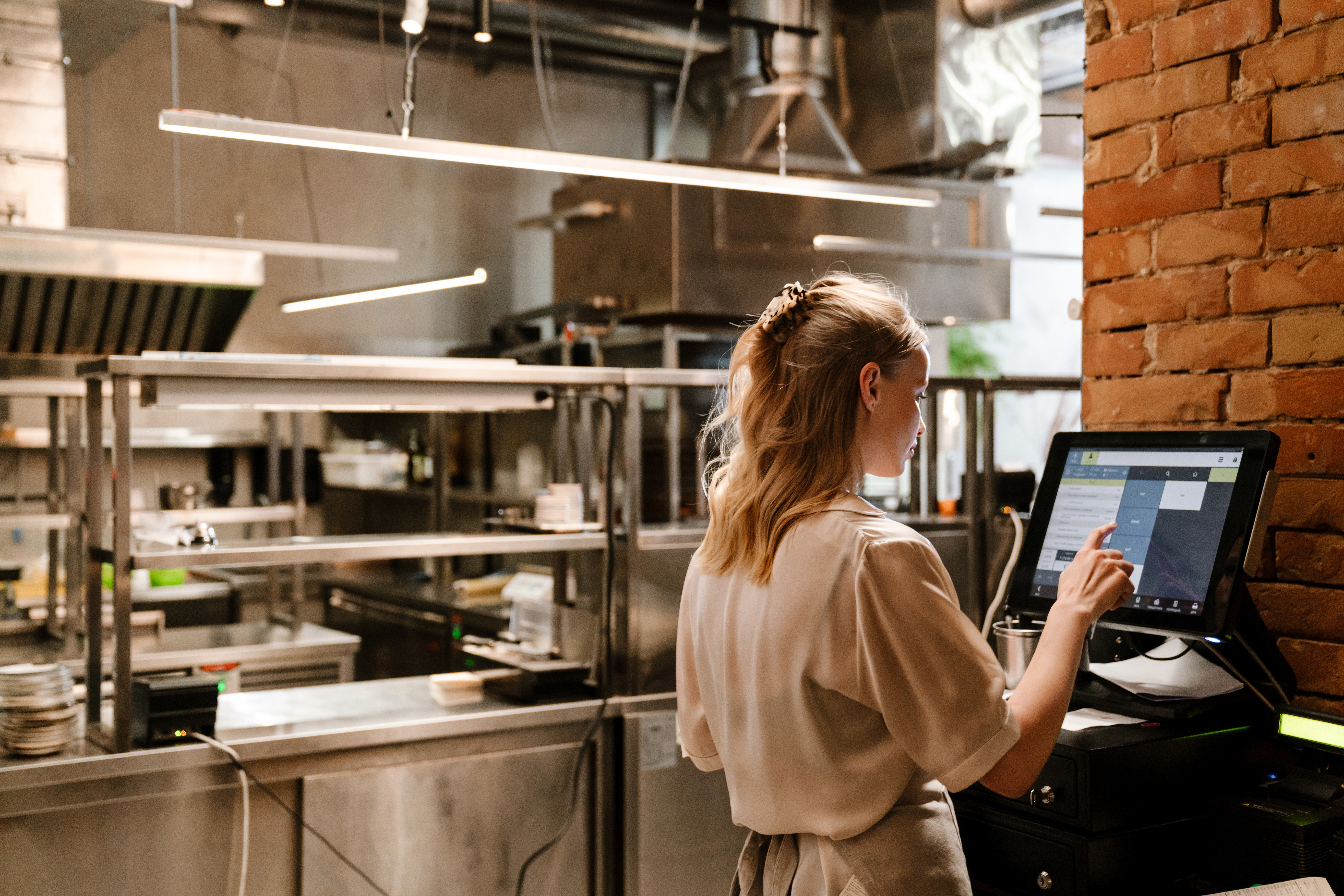
Effortless EPOS Setup: A Step-by-Step Guide for Retail and Hospitality Businesses
Setting up your EPOS system shouldn’t drain your time or test your patience. With EPOS Direct, you can skip the tech headaches and get your retail or hospitality EPOS up and running fast. This guide walks you through a quick EPOS installation that puts you in full control—no subscriptions, no hidden fees, just straightforward, powerful business technology. Ready to run smarter and serve faster? Let’s get started. Find out more here.
Quick EPOS Installation Tips

Getting your EPOS system ready doesn’t have to be a chore. With the right steps, you’ll be on track to smoother operations in no time.
Choosing the Right Location
Finding the perfect spot for your EPOS is like choosing the best seat in the house. It needs to be visible and accessible. Place your system where both staff and customers can easily reach it. Consider the flow of traffic in your store or restaurant. Avoid corners or cramped places that might block access or make it hard to use. Your chosen location should also be near a power source. This makes it simple to plug in your devices without any tangled cables. Remember, a well-placed EPOS system can speed up transactions and enhance customer service.
Connecting Hardware Components
Once you’ve picked the best spot, it’s time to connect your hardware. Start by organizing your components. This typically includes the touchscreen, printer, and card reader. Plug each device into the power source. Ensure that all cables are secure and tidy to prevent any tripping hazards. Next, connect your devices to the main system. This usually means linking them through USB or Bluetooth, depending on your model. Test each piece of hardware individually to confirm they’re working correctly. A well-connected system reduces errors and keeps your business running smoothly.
Ensuring Stable Internet Connection
A reliable internet connection is the backbone of a modern EPOS system. Begin by checking your Wi-Fi signal strength in the chosen EPOS location. Place your router nearby if possible, or consider using a wired connection for more stability. Keep your network secure by using strong passwords and updating them regularly. You might also consider a backup connection, such as a mobile hotspot, to ensure your system stays online. A stable connection means your EPOS stays operational, even during the busiest times.
Retail EPOS Setup Essentials

With the hardware installed, it’s time to tailor your EPOS system to meet the unique needs of your retail environment.
Configuring Your Product Catalogue
Your product catalogue is the heart of your retail EPOS setup. Begin by listing all your products, including detailed descriptions, prices, and stock levels. Consider categorizing your items for easy navigation. Use features like barcode scanning to simplify product entry and ensure accuracy. Regular updates to your catalogue keep it current, reflecting any changes in stock or pricing. A well-organized catalogue enhances customer satisfaction, making transactions smooth and quick.
Customising User Permissions
User permissions help protect your business while allowing flexibility. Decide who needs access to various features within the EPOS system. Managers might need more access than sales associates. Set up user profiles and assign roles tailored to each staff member’s responsibilities. This ensures that sensitive information remains secure while empowering your team to perform their tasks efficiently. Regularly review and update permissions as staff roles change or new employees join.
Hospitality EPOS Features

In hospitality, your EPOS system is more than just a tool; it’s your partner in service excellence.
Setting Up Menu Items
Creating your digital menu is a crucial step. Start by inputting all menu items, including prices and descriptions. Group items into categories like starters, mains, and desserts. This structure helps servers find items quickly. Include modifiers, such as cooking preferences, to cater to customer requests. Regularly update your menu to reflect seasonal changes or new offerings. A well-structured menu makes it easy for staff to take orders swiftly, improving customer experience.
Managing Orders and Payments
Handling orders and payments efficiently is key to a great dining experience. Use your EPOS system to track orders from the kitchen to the customer. This reduces errors and speeds up service. Ensure all payment options are available, from cash to cards and mobile payments. Train your staff to use the system for splitting bills or handling tips. Regularly check your system’s payment settings to ensure they are secure and up-to-date. Efficient order management leads to faster service and happier customers.
This guide aims to empower you with the knowledge to set up your EPOS system like a pro. By choosing the right location, connecting your hardware properly, ensuring a stable internet connection, and tailoring your system for retail or hospitality, your business will be ready to thrive. Remember, with EPOS Direct, you’re not just setting up a system—you’re setting up for success.
Leave a Reply