
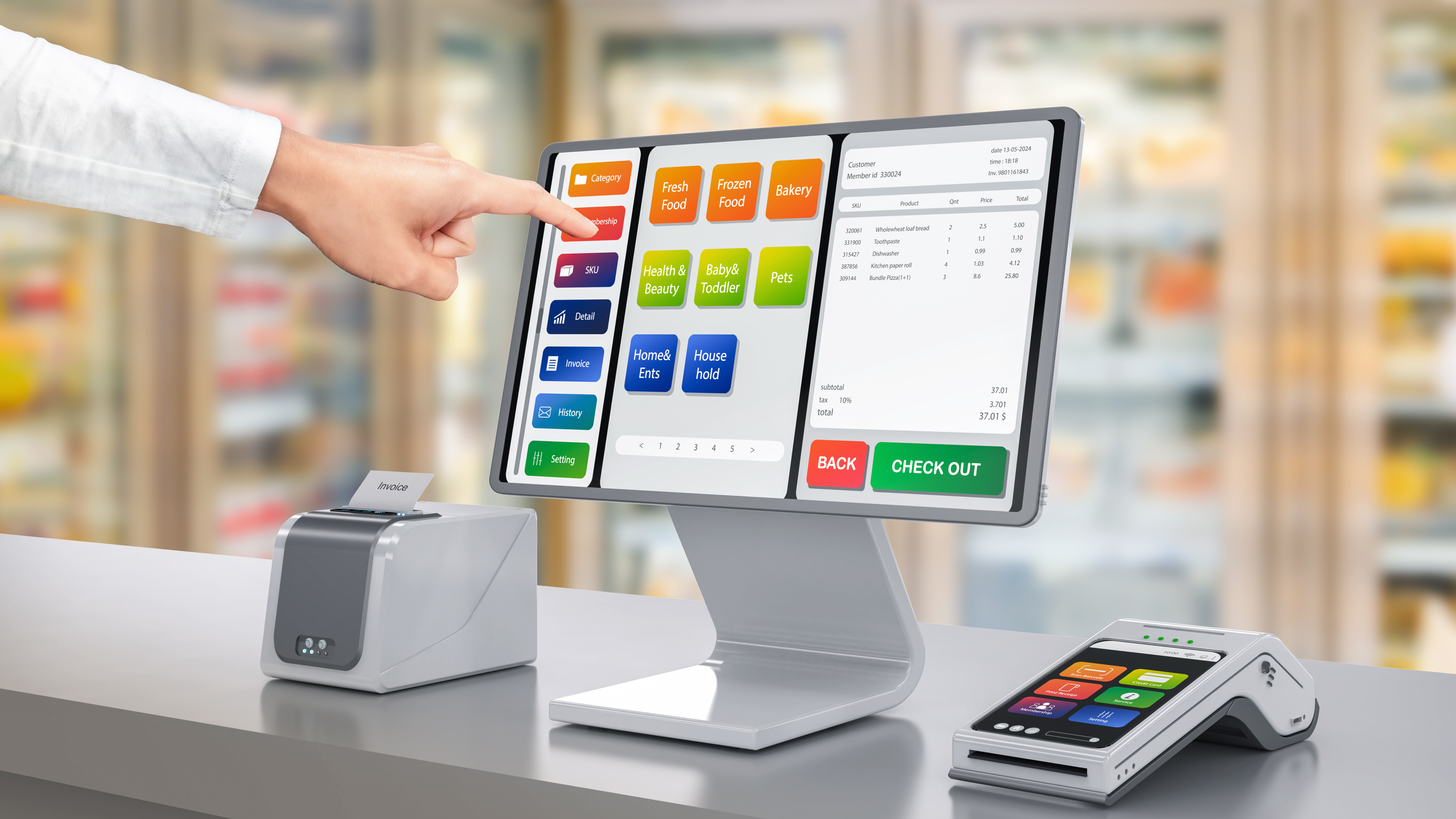
Seamless Integration: How to Connect Your EPOS with Accounting and E-commerce Platforms
Most EPOS systems sit isolated, forcing you to juggle multiple platforms and waste precious hours. Your accounting and e-commerce should work together, not against each other. This guide shows how EPOS integration with EPOS Direct connects your sales, finances, and online store into one smooth system — so you can focus on growing your business without the hassle. Ready to see how simple it can be? Learn more here.
Getting Started with EPOS Integration

Before diving into integration, it’s crucial to set the stage just right. Picking the best platforms and prepping your system ensures a smooth journey.
Selecting the Right Platforms
Choosing the right tools is the first step. They must fit your business needs perfectly. Think about your current operations. What systems are you using today? Your EPOS should work smoothly with both your accounting and e-commerce platforms. Popular choices often include platforms like Xero for accounting and Shopify for online sales. These platforms offer vast support and compatibility with many EPOS systems, making them ideal choices.
Consider how these platforms can work together. For example, if you sell both in physical stores and online, your EPOS should sync your inventory across all channels. This prevents overselling and helps manage stock efficiently. Also, ensure that your chosen platforms handle financial reporting easily. This saves time on manual data entry and reduces errors. A well-integrated system means less hassle and more time focusing on your customers.
Preparing Your EPOS System
Now that you’ve chosen your platforms, it’s time to ready your EPOS system. The first step is ensuring your software is up to date. Current software versions offer better support and security. Next, back up your data. This ensures that nothing is lost during the integration process.
Ensure your EPOS hardware is compatible with your chosen platforms. This might involve checking if your terminals and devices can handle the new software connections. It’s also wise to train your staff on any new features they will use. This training can happen alongside integration, ensuring everyone is ready when the system goes live. By preparing your system thoroughly, you set a solid foundation for the integration process.
Step-by-Step Integration Process

Now that your tools are ready, let’s walk through the integration steps. Follow these steps closely to connect your systems seamlessly.
Connecting to Accounting Platforms
Linking your EPOS with accounting tools simplifies financial management. First, log into your accounting platform. Locate the integration or connection settings. Here, you’ll find options to link your EPOS system. Often, this involves entering API keys or authorising access. This process lets the two systems share data smoothly.
Once connected, test the integration. Try a few transactions to ensure sales data moves correctly to your accounting software. Check if your financial reports reflect these changes accurately. If any issues arise, consult the support teams of your EPOS or accounting platform. They can assist with troubleshooting. With these steps, managing your books becomes a breeze, allowing you more time to focus on growing your business.
Linking with E-commerce Solutions
Integrating with e-commerce platforms is equally crucial. Start by logging into your online store’s admin panel. Search for the integration section. Here, like with accounting, you’ll need to link the systems. This often requires entering specific codes or authorising access.
Once linked, ensure your product listings sync correctly. This means that any changes to stock or prices on your EPOS update automatically on your e-commerce site. Test this by updating a few items and checking the changes online. This integration helps prevent overselling and ensures customers see current inventory levels. By connecting your e-commerce and EPOS systems, you streamline online and offline operations, making sales management more efficient.
Benefits of Unified Systems

Integration isn’t just about connecting systems; it’s about unleashing new possibilities. Discover the advantages of having a unified setup.
Streamlining Retail Operations
Unified systems offer more than just convenience. They enhance your entire operation. With everything connected, you can automate inventory updates. This reduces manual checks and prevents stockouts. For example, when a product sells in-store, your online stock updates instantly. This ensures customers always see accurate information.
Additionally, your sales data consolidates in one place. This allows you to generate comprehensive reports quickly. You can analyse sales trends and adjust your strategy to maximise profits. The result? Lower operating costs and more time to engage with customers. With a streamlined operation, you can focus on what matters most: growing your business.
Enhancing Customer Service
A unified system doesn’t just benefit your business; it elevates customer service too. Customers appreciate accurate stock information and prompt service. Integrated systems ensure you deliver just that. For instance, if a customer orders online, you can process it instantly, knowing your stock levels are correct.
Moreover, with all data in one place, you can offer personalised service. You can access customer purchase history at the click of a button. This enables tailored recommendations, enhancing the shopping experience. Happy customers are loyal customers, and they spread the word. With better service, you attract more business, propelling your growth.
Here’s the key insight: integrating your EPOS with accounting and e-commerce platforms simplifies your operations and boosts efficiency. Imagine transforming your business into a well-oiled machine. The longer you wait, the more time you spend juggling separate systems. Ready to see how easy it can be? Take the next step and See It in Action.
Leave a Reply