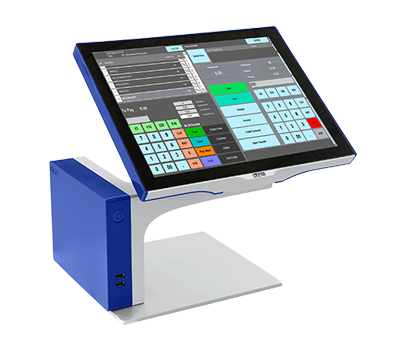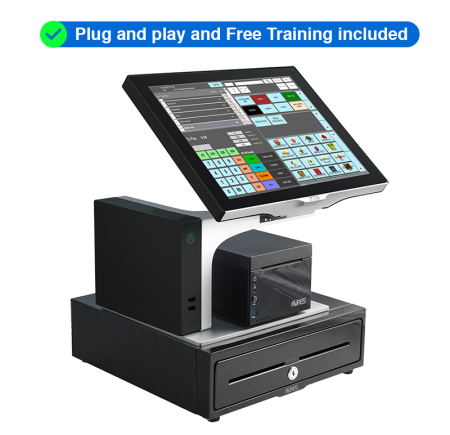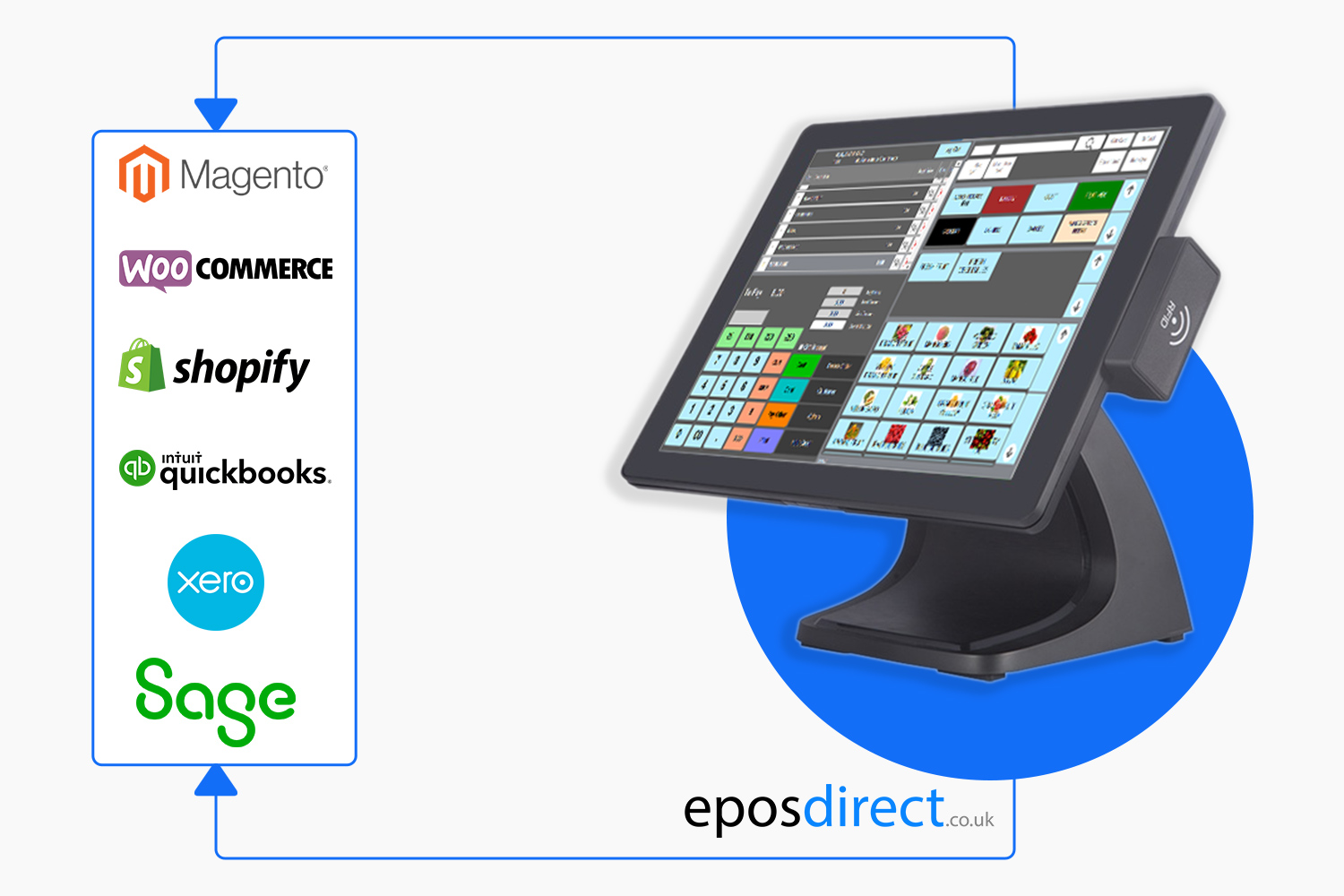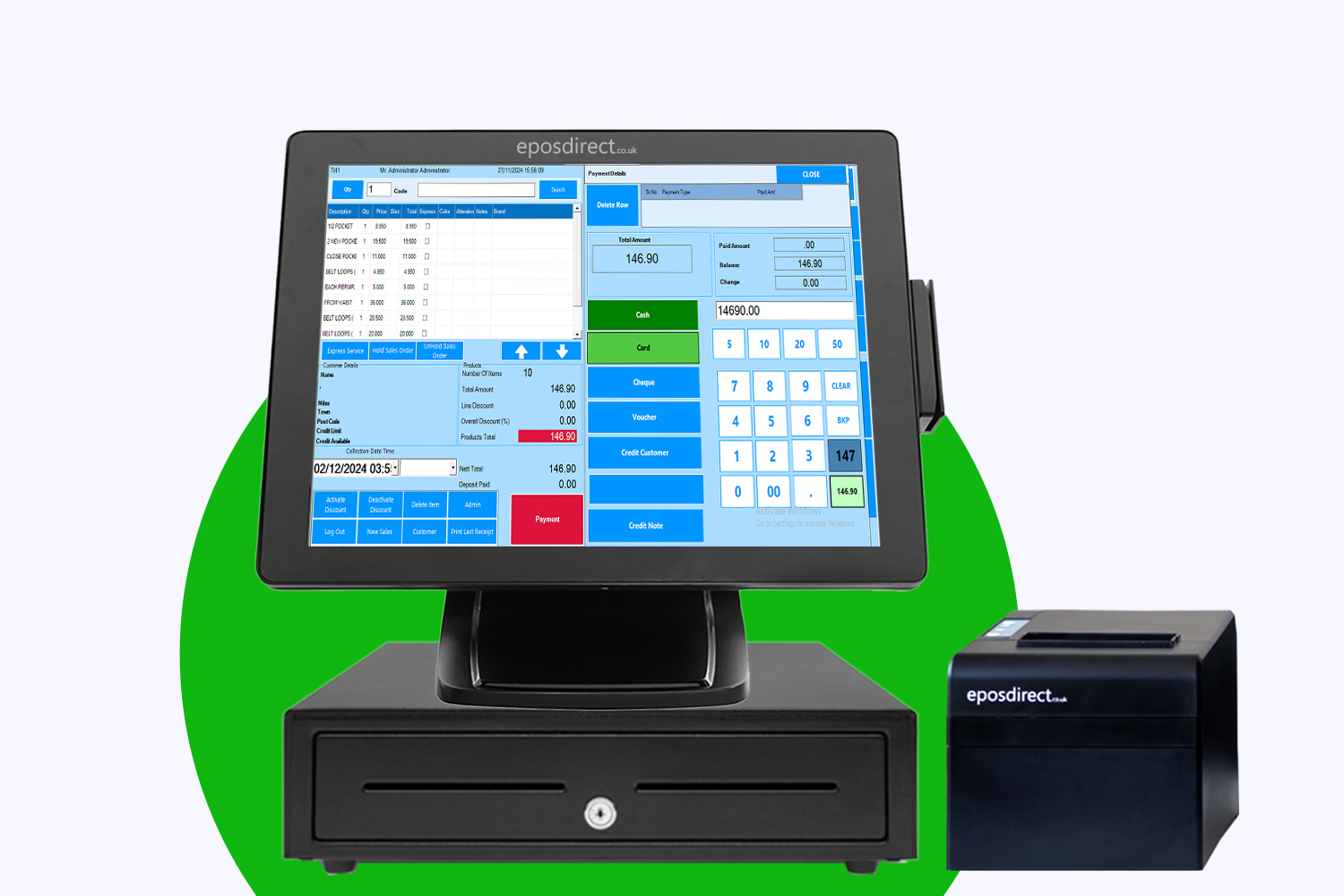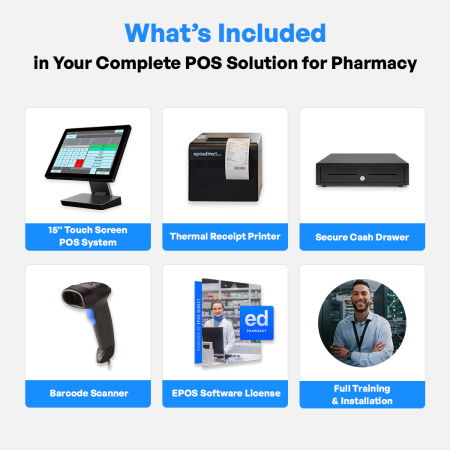
You’re paying monthly for a pharmacy EPOS system that you don’t even own. That’s money straight out of your pocket every single month. Imagine switching to a pharmacy EPOS system UK business owners actually own—no monthly fees, no contracts, just full control and fast setup. Keep reading to see how owning your system outright can slash costs and speed up your pharmacy checkout today.
Control Your Pharmacy EPOS
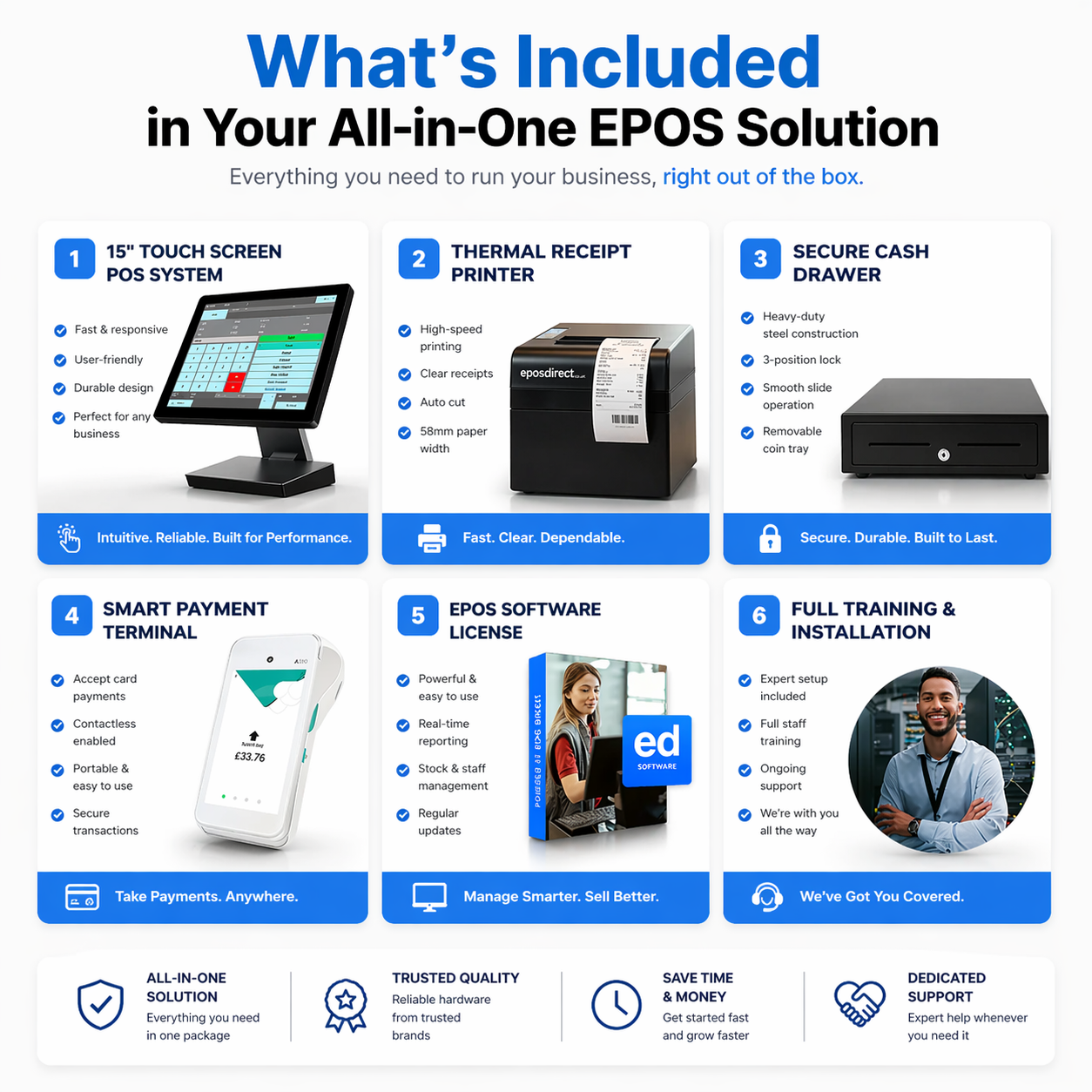
Owning your EPOS system means complete control over your operations with no hidden costs. You can run your pharmacy smoothly and efficiently when you own your system outright.
Own Your EPOS System
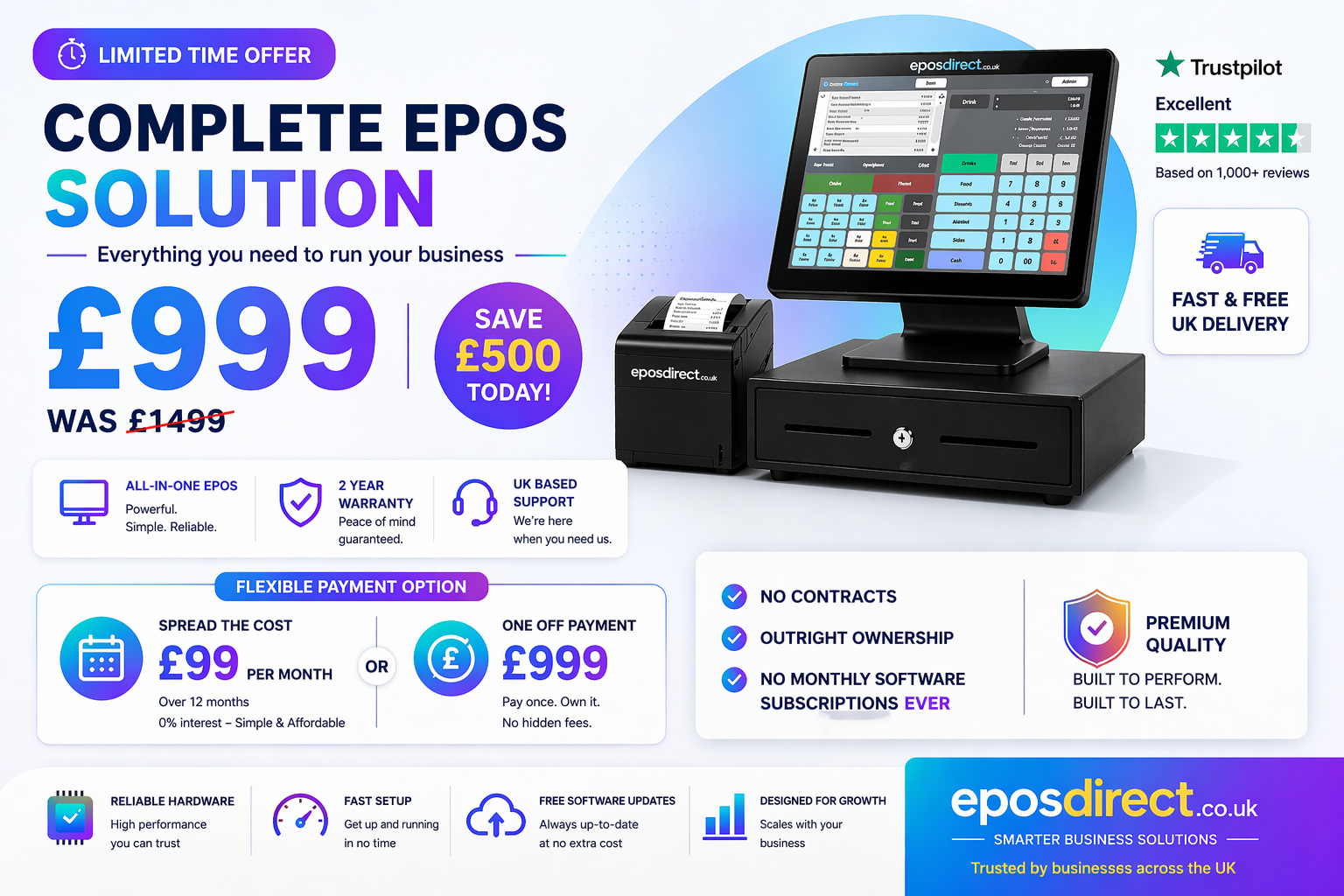
When you buy your EPOS system, you eliminate monthly fees that eat into your profits. Paying once for your system means you own it forever. This setup lets you focus on what matters: serving your customers and growing your business. Say goodbye to the hassle of never-ending subscriptions and contracts. Imagine having the freedom to manage your pharmacy without being tied to a provider’s terms. You choose how to run your business, which payment providers to use, and how to integrate with existing hardware. This flexibility not only saves you money but also reduces your stress and dependency on external systems.
Fast Setup and Reliable Support
Getting your EPOS system up and running quickly is crucial. With a fast setup, your business can start benefiting almost immediately. You’ll have access to UK-based support, ensuring everything runs smoothly from day one. Whether you need help with installation or have questions about using your system, expert support is always available. This means you can spend less time worrying about technical issues and more time focusing on your customers. Plus, you can rest easy knowing that reliable help is just a call away.
Cost-Effective Solutions
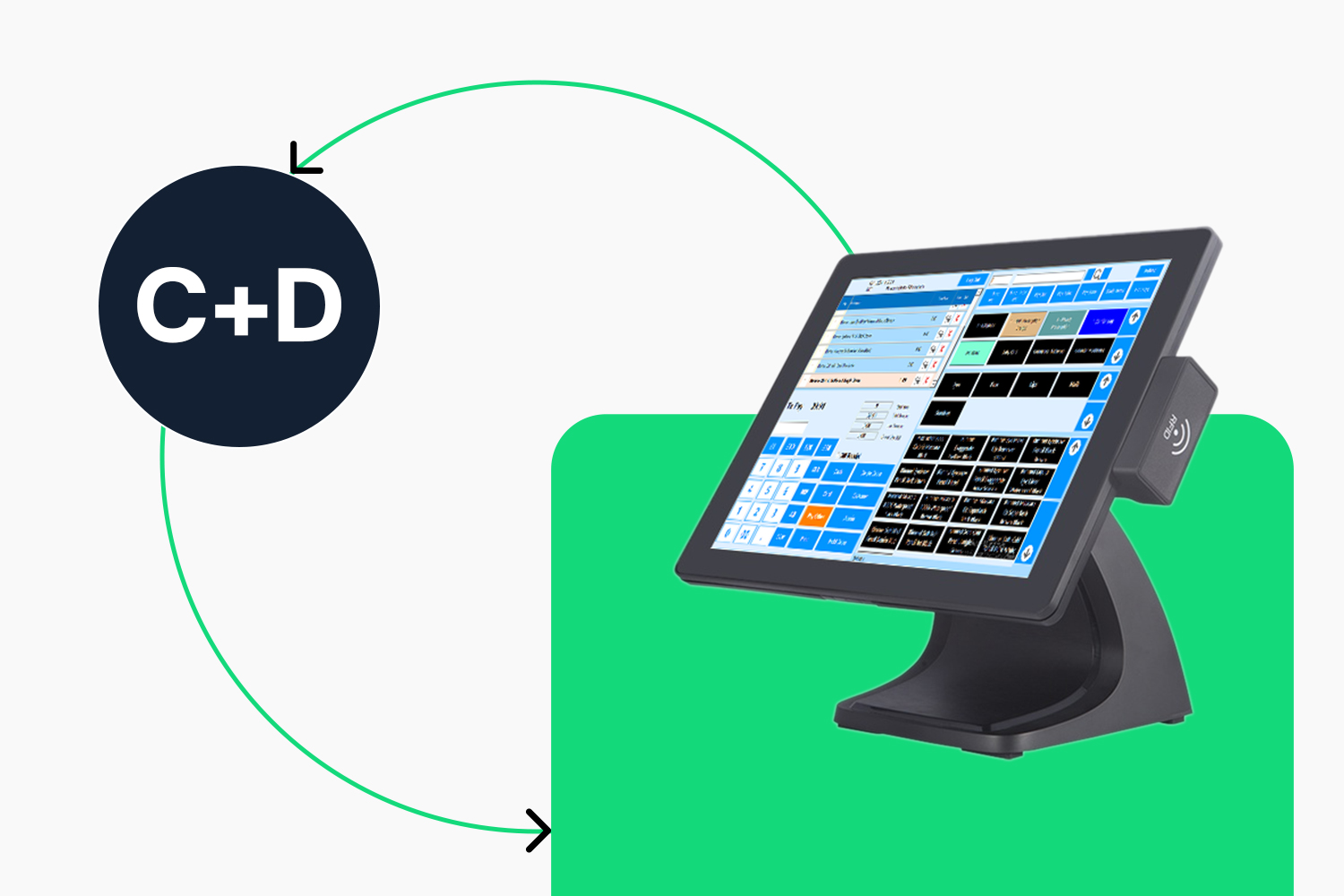
Switching to a pharmacy EPOS system you own outright makes financial sense. It’s a cost-effective solution that offers long-term savings.
Save with No Monthly Fees
Monthly fees can quickly add up, eating into your profits. By owning your EPOS system, you eliminate these ongoing costs. Instead of paying every month, you pay once and own your system for life. This setup gives you control over your finances. Imagine how much you could save over the years by avoiding subscription fees. This extra cash can be reinvested into your business, helping you grow and improve customer service.
Flexible Pricing Options
Not only will you save on monthly fees, but you also have the option to choose a pricing plan that fits your budget. Whether you opt for a one-time payment or a smaller upfront cost with low monthly payments, the choice is yours. This flexibility ensures that you can afford a high-quality EPOS system without breaking the bank. Plus, you won’t be stuck with costs that rise as your business grows. It’s a smart investment in the future of your pharmacy.
Enhanced Business Operations

A powerful EPOS system enhances your business operations, making them more efficient and accurate.
Integration with Card Machines
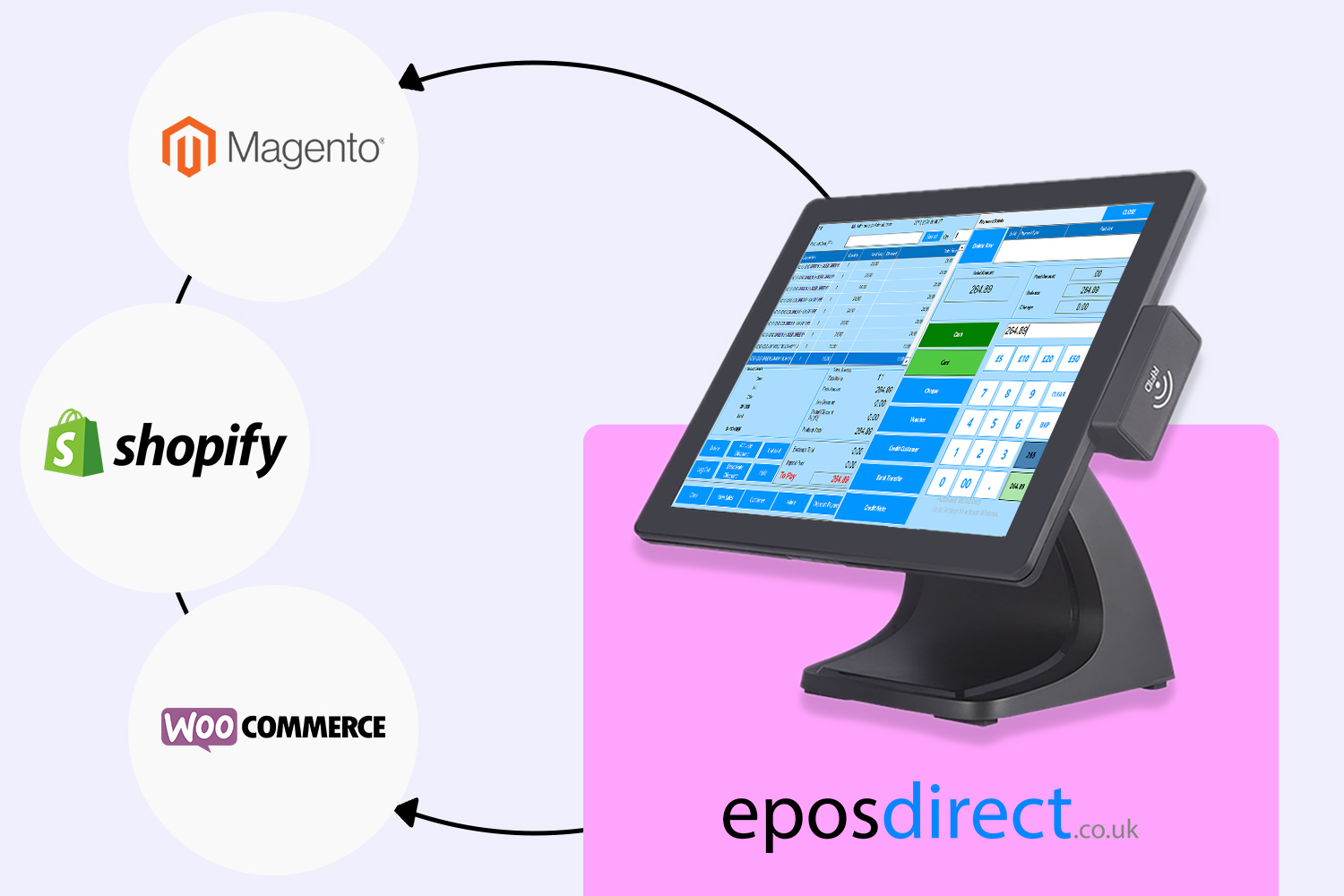
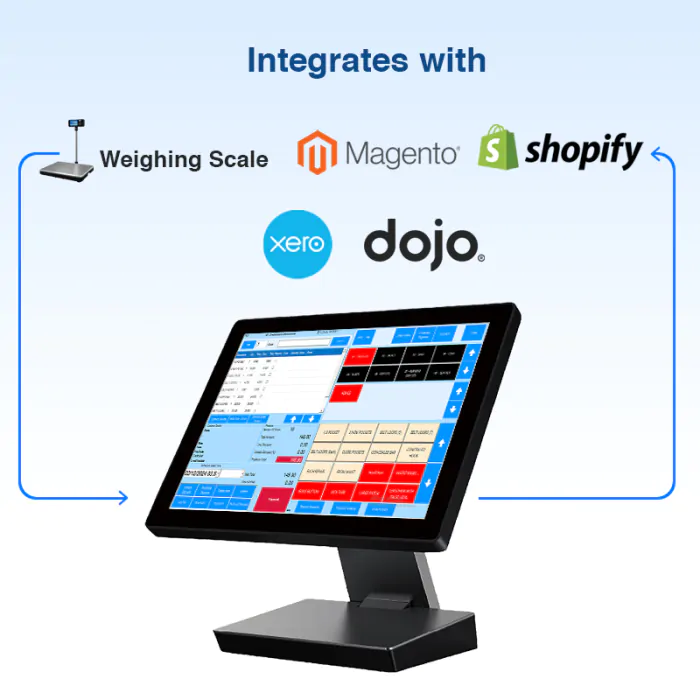
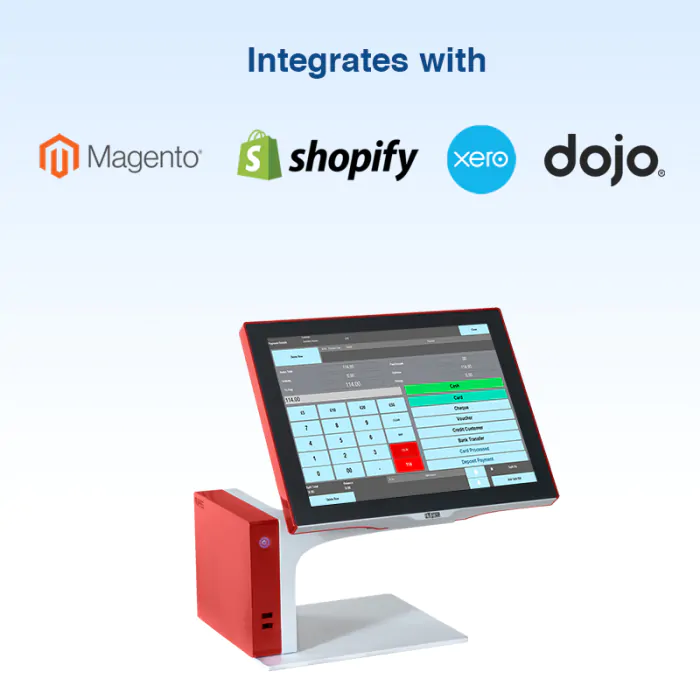
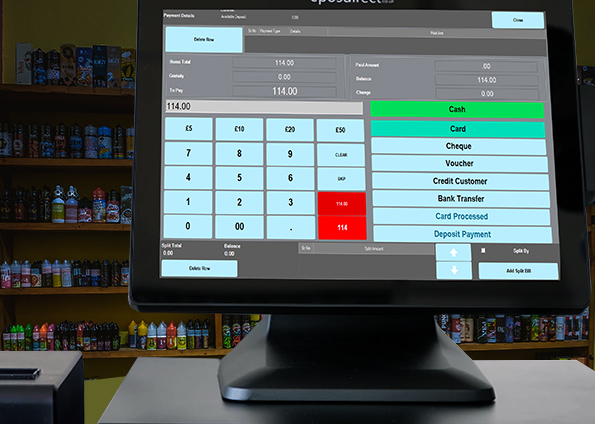
Integrating your EPOS with card machines simplifies transactions. This seamless connection speeds up the checkout process, keeping your customers happy and reducing wait times. Whether customers prefer contactless payments or use chip and PIN, your system can handle it all. This flexibility improves customer experience and keeps transactions smooth and secure. Plus, it syncs with various payment providers, giving you more choices and control over your business operations.
Real-Time Inventory Accuracy
Keeping track of inventory is crucial in a pharmacy. With real-time inventory updates, you always know what’s in stock. This precision prevents overstocking and understocking, helping you manage your pharmacy more effectively. Automatic updates mean fewer errors and less manual counting. You can rely on your system to alert you when stock runs low, ensuring you never run out of essential items. This accuracy not only saves time but also reduces the risk of lost sales.
💊🛒💡
Frequently Asked Questions
What are the benefits of owning an EPOS system?
Owning an EPOS system eliminates monthly fees, provides complete control, and offers flexibility in operations. You can choose payment providers, integrate with existing hardware, and avoid contracts that restrict your business.
How quickly can I set up my new EPOS system?
Your new EPOS system can be set up in as little as 72 hours. Fast setup means you can start benefiting from the system almost immediately, with reliable UK-based support available if needed.
How does inventory management work with an EPOS system?
The EPOS system provides real-time inventory updates, helping you manage stock more efficiently. You receive alerts for low stock, reducing the risk of running out of essential items and ensuring you always meet customer demand.
For more detailed comparisons on pharmacy EPOS systems, check out this comparison guide by Pharmacy Mentor.